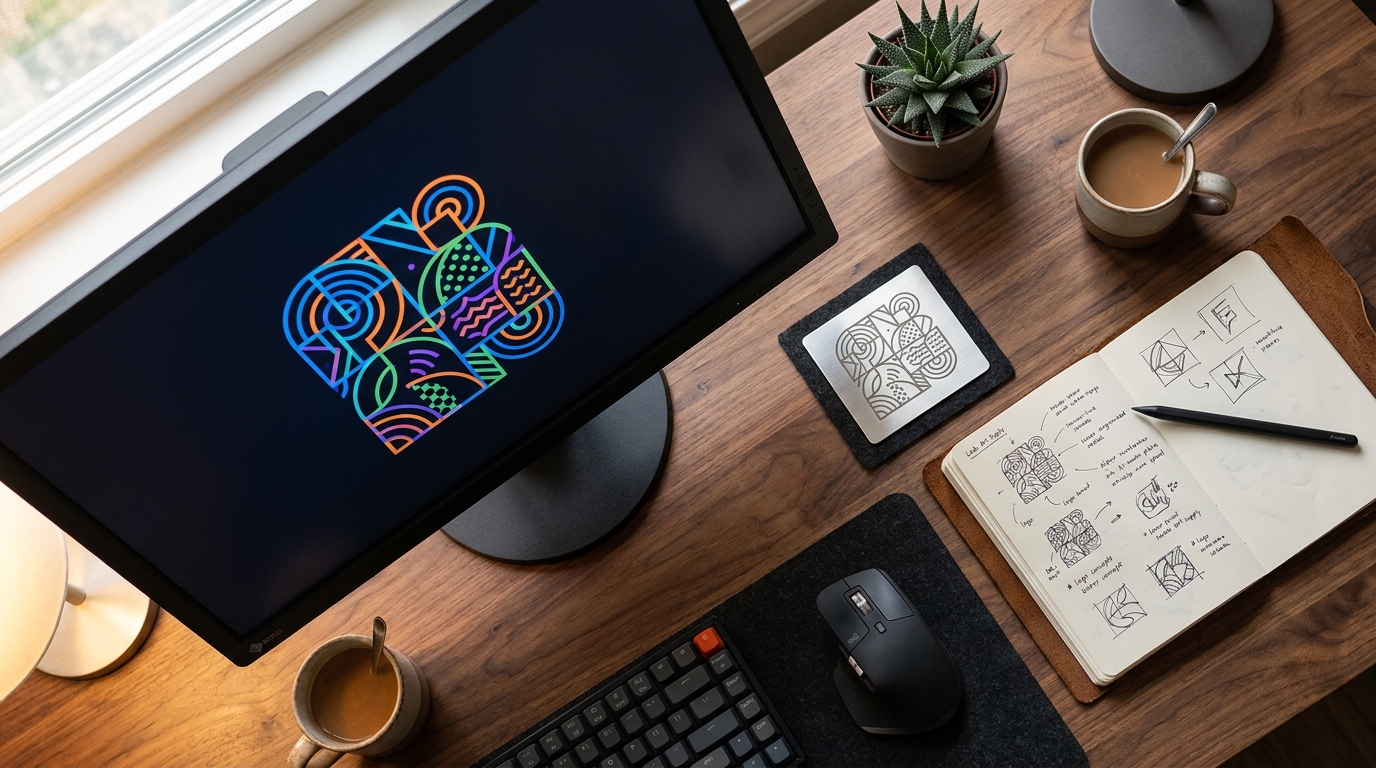
You've designed your logo, picked your plaque, and you're ready to engrave. Then the workshop asks one question that stops everything: "What file can you send us?" Sending the wrong artwork format is the single most common reason an engraving job gets delayed, comes back blurry, or needs a re-do. At UMAKE in Selangor we run CO2 and fibre lasers in-house and prep hundreds of files a month, so this guide explains exactly what to send, why it matters, and what to do if all you have is a logo screenshot.
The most important concept: vector vs raster
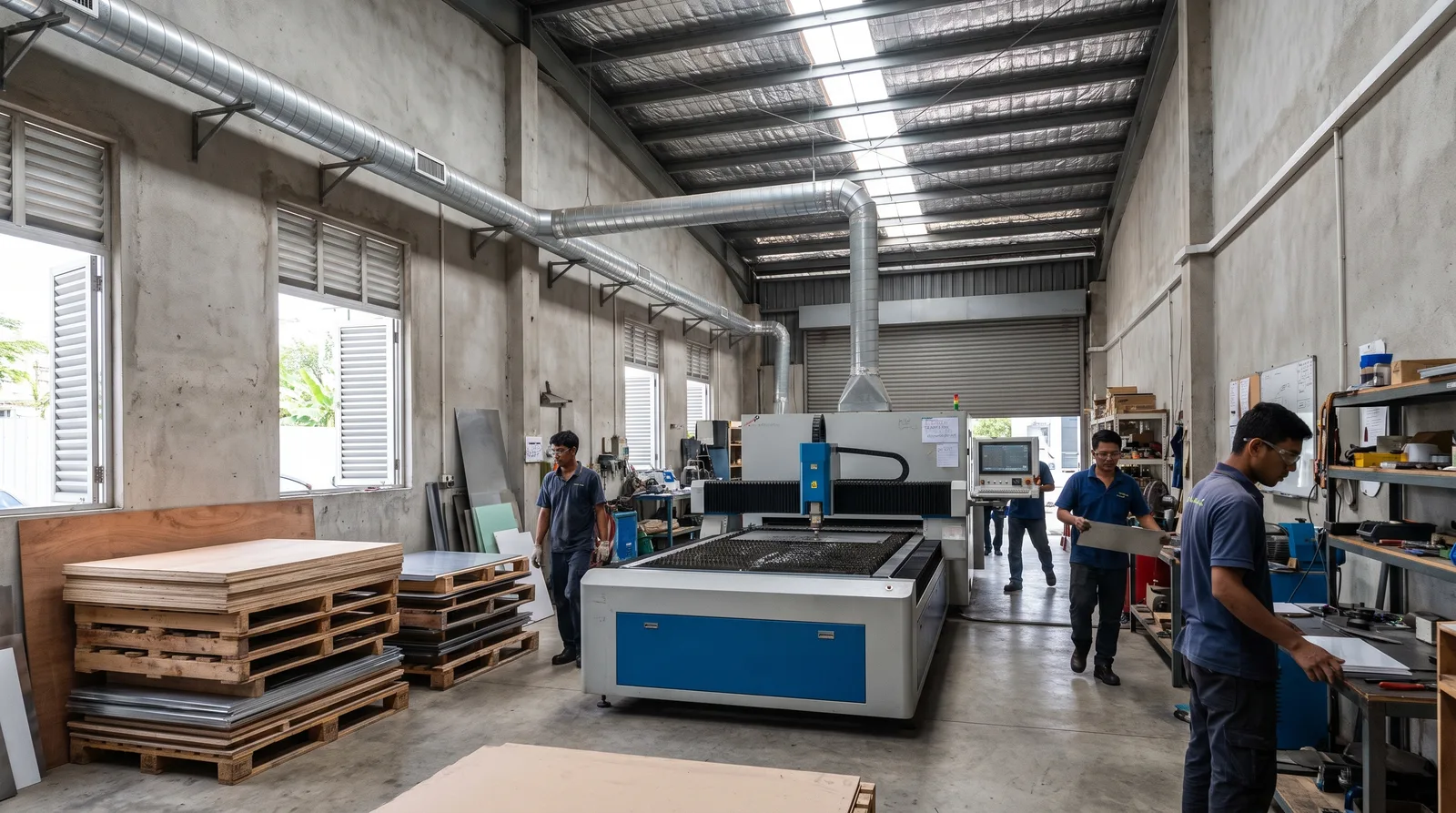
Almost every artwork problem comes down to one distinction. Your file is either a vector or a raster, and the laser treats them very differently.
A vector file is made of mathematical paths — lines, curves and points. It can be scaled from a business card to a billboard with zero loss of sharpness. The laser reads vector paths directly, which is exactly what it needs to cut a shape or line-engrave crisp text and outlines.
A raster file (PNG, JPG) is a grid of pixels. Blow it up and the edges turn into jagged squares. The laser can still engrave a raster, but only as a photo-style fill — it scans back and forth, burning dots of varying density like an inkjet. Great for reproducing a photograph or a detailed shaded image; poor for clean lines and small text.
| Aspect | Vector (AI, EPS, PDF, SVG, DXF) | Raster (PNG, JPG, TIFF) |
|---|---|---|
| Made of | Paths, curves & points (maths) | Pixels (a grid of dots) |
| Scaling | Infinite — stays razor sharp | Limited — blurs / pixelates when enlarged |
| Best laser job | Cutting & clean line engraving | Photo-style fill engraving only |
| Text & logos | Crisp at any size | Fuzzy edges, small text breaks up |
| Editable by us | Easily — colours, sizes, lines | No — pixels can't be re-flowed |
The short rule: send vector whenever you can. Only reach for high-resolution raster when the artwork is genuinely a photo or a complex shaded image.
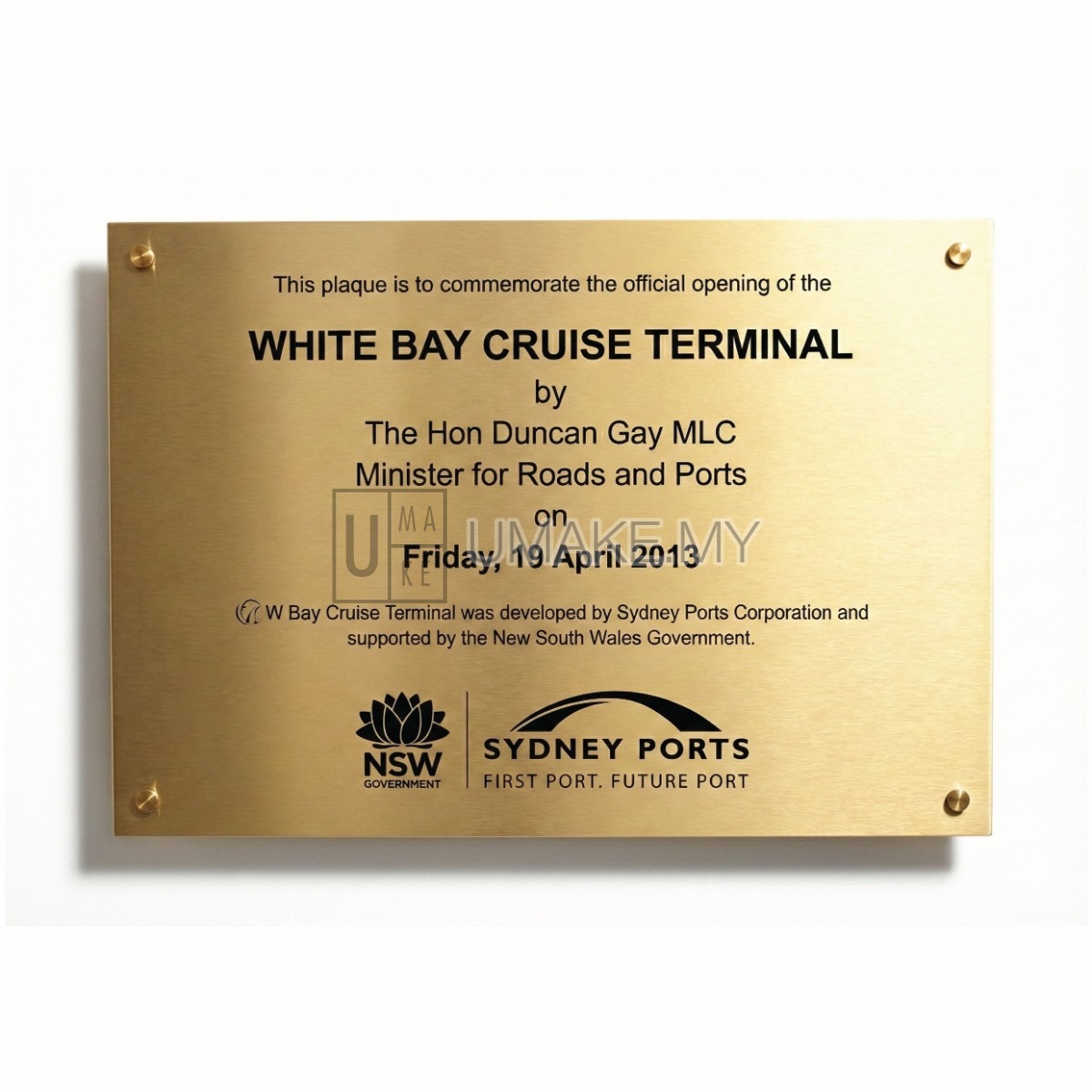
A clean vector file lets the laser reproduce a logo and text razor-sharp on metal, as on this Opening Ceremony Stainless Steel Plaque (from RM120.00).
Which file format should you actually send?
Here are the formats we accept, ranked by how happy your engraver will be to receive them.
| Format | Type | Best for |
|---|---|---|
| AI (Adobe Illustrator) | Vector | The gold standard — logos, signage, full layouts |
| EPS | Vector | Universal vector logos from any designer |
| PDF (vector) | Vector | Easy to share; keep it vector, not a scan |
| SVG | Vector | Web logos, Canva exports, simple shapes |
| DXF | Vector | CAD drawings & precise cut profiles |
| PNG (300dpi+) | Raster | Photo-fill engraving with a transparent background |
| JPG (300dpi+) | Raster | High-detail photos only — last resort for logos |
Prep checklist before you send
Need help with laser engraving?
Get a free quote from UMAKE — custom signage designed and manufactured in Malaysia.
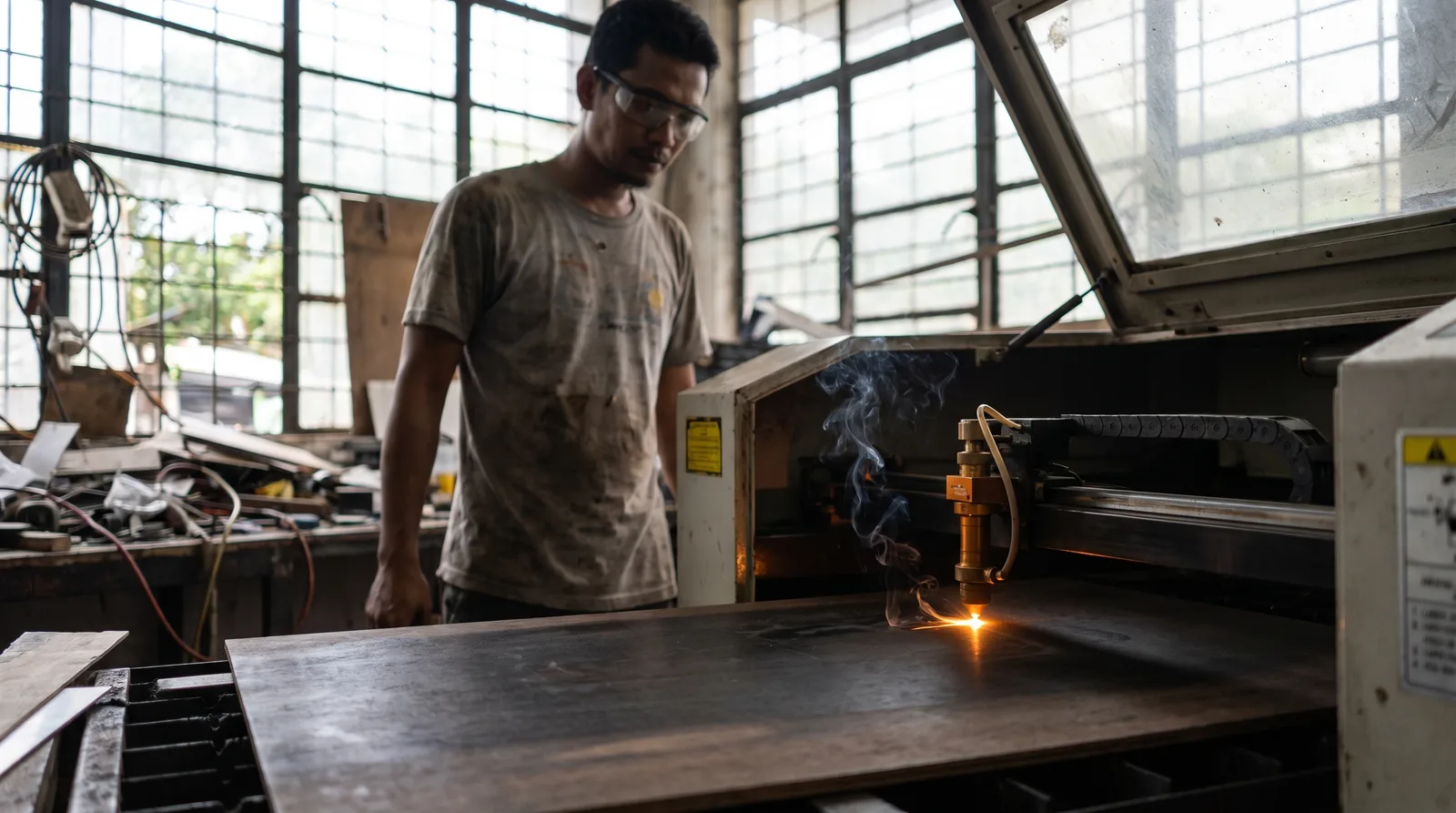
1. Outline (convert) your fonts
If your design uses text, convert the type to outlines (Type → Create Outlines in Illustrator, or "flatten" the text) before sending. Otherwise, if we don't own your exact font, your wording reflows into a default typeface — and your spacing breaks. Outlining turns letters into shapes so they engrave precisely as designed.
2. Mind your minimum line thickness
The laser beam has a real width. Lines thinner than about 0.1–0.25 mm may not engrave reliably, and very fine serifs can disappear. Keep strokes at least 0.25 mm and avoid tiny text under roughly 6–8 pt, especially on textured metal.
3. Use 300 dpi for any raster
If you must send a PNG or JPG, make sure it is at least 300 dpi at the final engraving size. A 72 dpi web image looks fine on screen but engraves muddy. Bigger and sharper is always better — we can scale down, never up.
4. Follow colour conventions for cutting
When a job involves cutting as well as engraving, set your cut lines to a hairline RGB red (255, 0, 0) with the thinnest possible stroke. Engrave/fill areas stay black. This colour convention tells the machine instantly which paths to cut versus which to burn — a small habit that prevents big mistakes.
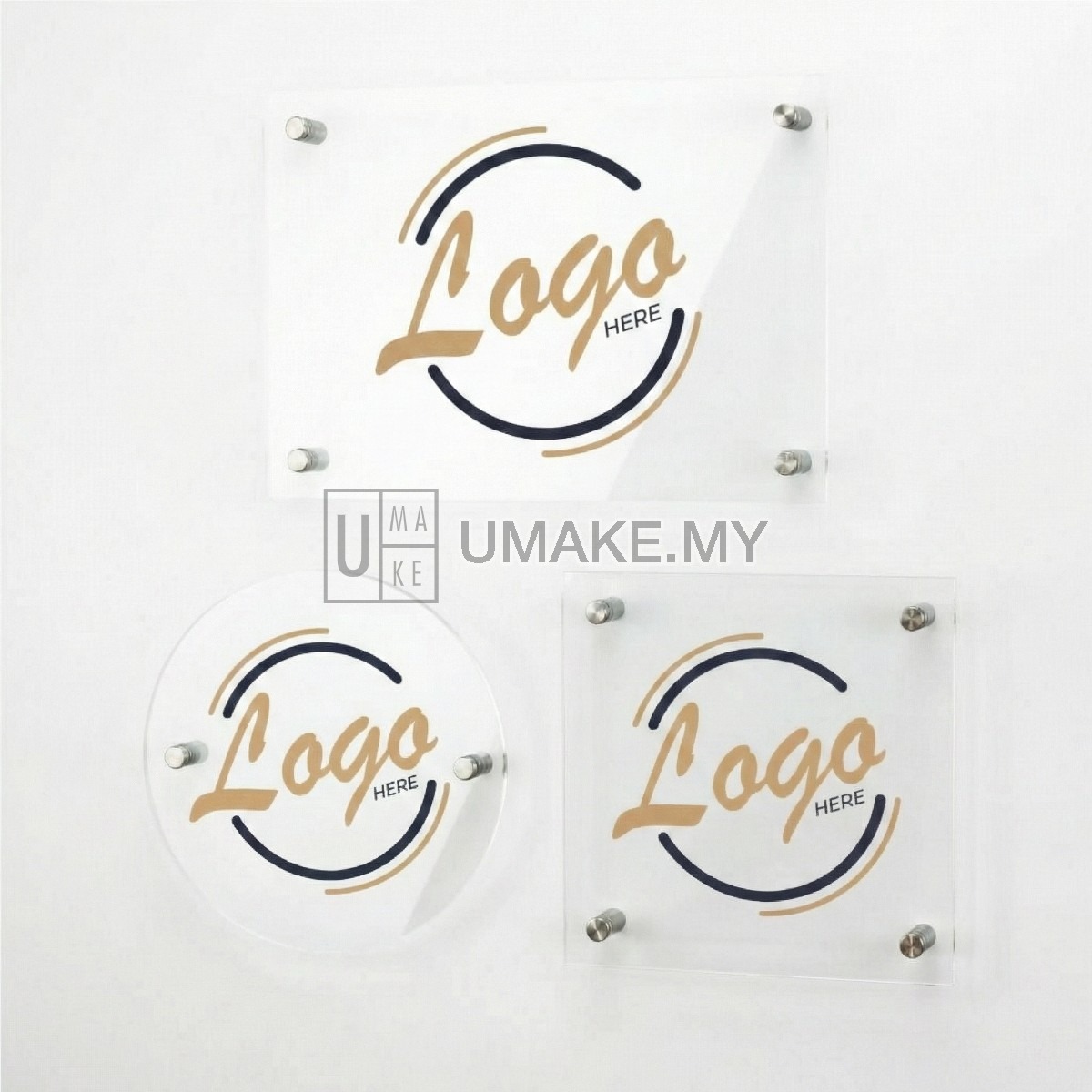
Outlined fonts and a clean vector keep business signage perfectly legible, like this Custom Business Sign / Plaque (from RM49.90).
What if you only have a JPG of your logo?
This is the most common situation we see — a customer has their logo as a low-res JPG, a screenshot, or a photo of an old name card. Don't worry: UMAKE can redraw and vectorise your logo for you. Our designers manually trace your artwork into a clean vector file so it engraves razor-sharp at any size. Just send us the best version you have (a bigger, clearer image makes redrawing faster), and we'll handle the rest. For a simple logo there's often no extra fuss at all.
It also helps to know your material — acrylic, stainless steel or wood — because line thickness and contrast behave differently on each surface. If you're weighing up suppliers, our guide on choosing a laser engraving service covers what to look for.
Matching the file to the job
For sharp line engraving of logos and text on acrylic — like our Laser Engraved Acrylic Signage (from RM15.00) — a vector file is ideal. For reproducing a detailed photo-style image, a high-resolution 300 dpi raster is the right call, and the laser fills it as a halftone.
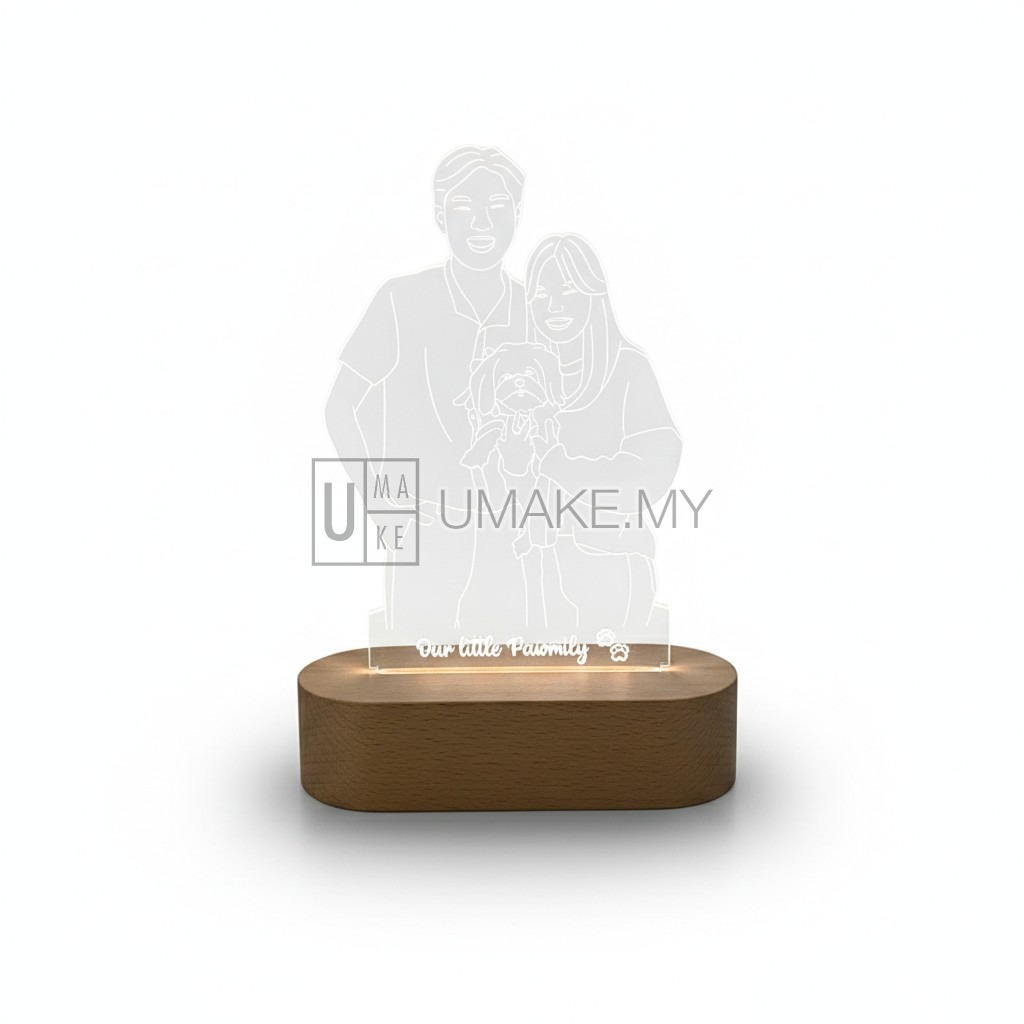
A high-resolution image engraves beautifully on acrylic as a photo-style fill, as on this Laser Engraved Acrylic Signage (from RM15.00).
Wondering how artwork prep affects what you pay? Complex traces and many engraving passes add time, so our breakdown of laser engraving cost in Malaysia is worth a read before you order.
Frequently asked questions
What is the best file format for laser engraving?
Vector files are best — AI, EPS, vector PDF, SVG or DXF. They are made of mathematical paths, so the laser can cut and line-engrave them razor-sharp at any size. Only use a high-resolution PNG or JPG when the artwork is a genuine photo that you want engraved as a photo-style fill.
Can I send a JPG or PNG for engraving?
Yes, but with conditions. A raster image like JPG or PNG works for photo-style fill engraving if it is at least 300 dpi at the final size. For logos and small text it is not ideal because the edges blur — a vector file gives a far cleaner result. If a JPG is all you have, UMAKE can redraw it into vector for you.
Why do I need to outline or convert my fonts?
If your text is not outlined and we do not have your exact font installed, the wording will reflow into a substitute typeface and your spacing will break. Converting type to outlines turns each letter into a fixed shape, so your design engraves exactly as you see it on screen.
What does hairline red mean for cut lines?
When a job involves cutting, the convention is to set cut lines to a pure RGB red (255, 0, 0) using the thinnest hairline stroke, while engraved or filled areas stay black. This tells the laser instantly which paths to cut through versus which to engrave, preventing costly mistakes.
My logo is low resolution — can you still engrave it?
Yes. UMAKE's designers can manually redraw and vectorise a low-resolution logo, screenshot or old name card into a clean vector file that engraves sharply at any size. Send us the clearest version you have and we will prepare the artwork for you, usually with no fuss for a simple logo.
Ready to engrave? Send us whatever artwork you have — vector or not — and our Selangor team will check the file, redraw it if needed, and produce a sharp result with nationwide delivery across Malaysia. Contact UMAKE today for a quick quote and free file check.


